Skip to content
Trace My Build
Your project, from anywhere
How it worksCost calculatorService providersFAQ
More
AboutWho sees whatFor builders and project managersGuides and building costsView a projectContact
Sign inStartStart my project
  • About
  • How it works
  • Cost calculator
  • Service providers
  • For builders
  • Who sees what
  • FAQ
  • Contact
Start my projectSign in

Have an invite code? View a project

For the diaspora, and everyone building a home

Build with clarity. From abroad or on the ground.

Know what your house should cost before you start, choose who builds it with your eyes open, and see for yourself where the money went and how far the house has got.

Estimate my building costSee how it works

Your phone is your site visit · A receipt behind every payment · Every stage on camera

Download on the App StoreGet it on Google Play
An example project on the Trace My Build dashboard: a budget of $158,000 from the estimate, $60,590 spent and $97,410 remaining, 44% of the project complete, and a payment of $780 logged from site waiting for approval.

Borrowdale Brook

Example project

Project budget

$158,000

Set from the estimate

On track

38% of budget used

Spent

$60,590

Remaining

$97,410

44% of project completed

Now: Roofing

Pending review

$780.00 logged by Jerry (PM)

Bricks / Blocks · receipt attached

Start yours: estimate my building cost
  • No guessing the priceAn estimate from local rates
  • No chasing receiptsEvery payment comes with one
  • No flying home to checkDated photos of every stage
  • No choosing on trust aloneQuotes set against local rates

How it works

From the first estimate to the day you get the keys.

At every stage you know where you stand, whether you're abroad or down the road.

  1. 01

    Stage 1: Know what it should cost

    A realistic price for your house before you commit to anyone, ready to be your budget.

  2. 02

    Stage 2: Choose who builds it

    Quotes from service providers where you're building, all pricing the same house.

  3. 03

    Stage 3: Know where the money went

    Every payment arrives with its receipt, and nothing counts until you approve it.

  4. 04

    Stage 4: See it going up

    Dated photos of every stage, so you know how far it's got without having to ask.

  5. 05

    Stage 5: Keep everyone in the loop

    Family follow the same record, and Muvaki answers your questions in seconds.

Rather watch it done?See a project set up from scratch(2 minutes, on YouTube).

Before you start

Know what your house should cost before anyone quotes you.

So a quote that's too high, or too good to be true, stands out straight away.

The Estimate for a three-bedroom house in Harare, standard finishes, built by a contractor: likely $97,000, between $82,000 and $110,000, priced phase by phase from September 2026 rates.

Likely cost

September 2026 rates

$97,000

Between $82,000 and $110,000

3 bedrooms in Harare · standard finishes · built by a contractor

By phase

  • Land & Pre-construction$4,000
  • Planning & Site Preparation$2,100
  • Foundation$10,000
  • Superstructure$16,000
  • Roofing$10,000
  • Windows & Doors$7,500
  • Electrical & Plumbing$16,000
  • Plastering & Finishes$16,000
  • External Works$16,000
What a 3-bedroom house costs in Zimbabwe
  • Priced for your house, not a rough guess

    Your bedrooms, floors, finish and ground, or your own plan, priced phase by phase.

  • Figures you can check

    Every rate names its source and date, in your own country's currency.

  • A budget from day one

    One tap makes it your phase budgets, so you see early if a phase is running over.

Estimate my building cost

About a minute of questions. Your figures open when you make your account.

A three-bedroom house in each country's main city

  • Harare, Zimbabweabout $97,000
  • Nairobi, Kenyaabout KSh 10 million
  • Lagos, Nigeriaabout ₦42 million
  • Gauteng, South Africaabout R2.2 million
  • Accra, Ghanaabout GH₵900,000
  • Bengaluru, Indiaabout ₹47 lakh

Standard finishes, built by a contractor, all in. Land extra. Rates checked September 2026. See what's in each

Every payment

Nothing counts until you've seen the receipt and said yes.

Whoever's on site logs what they paid, with a photo of the receipt, the day they pay it. No more sending money and hoping.

An example of two payments logged by the project manager, waiting for the owner's approval: $780 for bricks with the receipt attached, and $820 of labour flagged as possibly already logged.

Jerry (PM) · 24 Sept

$780.00

Bricks / Blocks · Superstructure · paid to Willsgrove Brick

“For the gable walls”

ApproveEditDecline

Jerry (PM) · 21 Sept

$820.00

Labour · Superstructure · paid to the crew

“Week's wages”

Example

Possibly already logged: Labour of $820.00 on 21 Sept.

ApproveEditDecline
  • No more chasing receipts

    The person on site adds each payment and its receipt from their phone, with no account needed.

  • You decide what counts

    Approve it, fix it or decline it with a reason. Your totals only move when you say so.

  • Nothing counted twice

    A payment that looks like one already logged is flagged before it's added.

  • See exactly where the money went

    By category, by item or by phase, against each phase's budget.
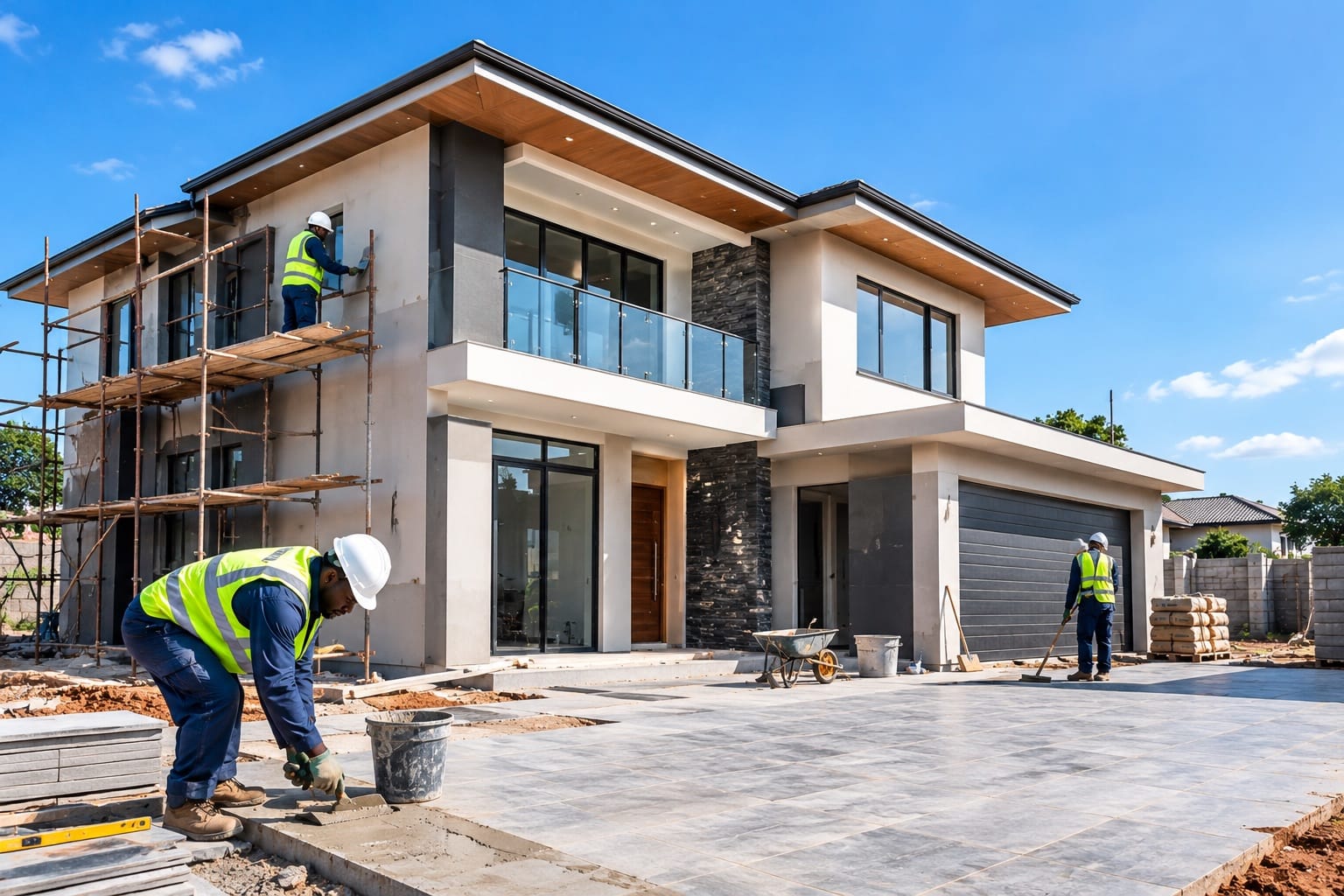
A two-storey house nearly finished, with a crew laying paving and plastering from the scaffolding

Progress

See your house go up, even when you can't be there.

Every stage has its dates and its photos, so you know how far it's got before you send the next payment.

An example project's progress: 4 of 9 phases complete. Foundation and Superstructure are done, with their dates and photos, Roofing is under way, and Windows and Doors starts next.

Project progress: 44%

4 of 9 phases complete

Example project
  1. Foundation

    Completed

    17 Aug – 30 Nov 2025 3 photos

  2. Superstructure

    Completed

    1 Dec 2025 – 20 Jun 2026 6 photos

  3. Roofing

    Under way

    6 Sep – 15 Nov 2026 2 photos

  4. Windows & Doors

    Next

    From 25 Nov 2026

How to follow a project from afar

Find service providers

Choose who builds it with your eyes open.

The biggest decision of the project shouldn't rest on someone's word. See who works where you're building, and what a fair price looks like.

  • Know who you're dealing with

    See the projects each one is already on, and what to check before you hire.

  • Compare like with like

    Every quote prices the same house, phase by phase, so nothing hides in a lump sum.

  • Spot a bad price early

    A quote far under or over the local range is flagged before you choose, with what to ask.

  • You still pay your way

    The one you choose joins your project and logs each payment for you to approve. No money goes through the app.

Three example quotes for a three-bedroom house in Harare, from foundation to handover, against a local range of $77,686 to $104,423: Farai, $93,800, Within the local range; Rudo, $117,000, 12% over the local range. Worth asking why.; Tendai, $60,600, 22% under the local range. Ask what's left out..

Your quotes

3 bedrooms in Harare · foundation to handover

Example
Local range $77,686–$104,423 Your estimate
  • FFaraiBuilder · on 3 projects$93,800

    Within the local range

  • RRudoProject manager · on 2 projects$117,000

    Rudo is 12% over the local range. Worth asking why.

  • TTendaiBuilder · on 1 project$60,600

    Tendai is 22% under the local range. Ask what's left out.

How to choose who builds it

Meet Muvaki

Your questions answered in seconds.

Muvaki, the AI building assistant, knows your project's payments, budgets and phases, so you don't have to dig through them.

An example conversation with Muvaki. The owner asks how much they have spent on materials so far. Muvaki answers $20,600, about 34% of the $60,590 spent, with bricks and blocks the largest part at $7,800.

Muvaki

Example

How much have I spent on materials so far?

Materials come to $20,600 so far, about 34% of the $60,590 spent on the project. Bricks and blocks are the biggest part, at $7,800.

Ask or log something

Muvaki only reads this project's records. Check anything it files.

Ask about your own project
  • Log a payment in one sentence

    “Paid $450 for cement yesterday”, or a photo of the receipt. You check it before it saves.

  • Know where you stand

    Ask what's been spent and on what, how the budgets look, or what's coming next.

  • A helper, not a surveyor

    It doesn't inspect work on site or replace a bill of quantities. Check anything it files.

From anywhere

Peace of mind, wherever you are.

Everyone sees the same record, so there's less to chase and less to argue about. Only you can change it.

  • No more “how's it going?”

    Family follow the payments, receipts and photos live with a code. No account needed.

  • Kept up to date from site

    The person on site adds photos and logs payments as they go, and each payment waits for you.

  • We never touch your money

    You pay the way you already do. Trace My Build only keeps the record.

Who can do what in a project: the owner, and a guest with an invite code
Who canOwnerGuest
Add and edit transactions
Log payments with receiptsIf allowed
Approve logged payments
View everything, live
Add site progress photos
Delete or restore records

For builders and project managers

Win clients you'd never have met.

Owners at home and abroad are looking for someone on the ground they can trust. Be the one they find.

Get found by owners near you

Your profile puts you in front of owners building near you, and their requests for quotes come to you.

Fewer calls, no arguments

Log each payment with its receipt for the owner to approve, so what was spent is never in doubt.

Each project helps win the next

Every project you're on shows on your profile, and its payments and photos stay in one place.

Make your profile

FAQ

Questions people ask.

What is Trace My Build?
An app for building a house. Price it before you start, find and compare service providers, then keep every payment, receipt and site photo in one record that everyone working on the house can see. It was made first for the diaspora, building at home from abroad, and works just as well if you live near the site.
Can I use it before construction starts?
Yes, and that's the best time to start. The Estimate prices your house phase by phase from local rates and can set your phase budgets in one tap. Then ask service providers to quote on it, so every quote prices the same house.
How does the Estimate work?
Tell it the bedrooms, bathrooms and floors, the ground you're building on, whether a contractor or your own builders will do the work, and the finish you want — or upload your house plan and it reads the rooms and sizes for you. It prices the house phase by phase from published, dated building rates and gives a likely cost with a range. Anyone can answer the questions on this website; the figures open when you make your account.
How do I find a service provider I can trust?
In the app, tap +, then Service providers. It lists builders and project managers working where you're building, with the projects they're already on. Save one to message them on WhatsApp, or ask a few for quotes from your estimate: every quote prices the same house, phase by phase, and each one is set against local rates, so a price far under the range is flagged before you choose. Choose one and they join your project, logging each payment with its receipt for you to approve. Trace My Build doesn't vet or employ them, so do your own checks before you hire, and no money goes through the app.
Does Trace My Build hold my money?
No. Trace My Build never touches your money. You send funds directly using whatever method you already use — bank transfer, WorldRemit, Alipay, cash. Trace My Build only records what happened.
Can family members see the project?
Yes. Send each of them an invite code from the app. They download Trace My Build, tap View a project, enter the code and see the payments, receipts and photos live — no account needed on their end. The code works until you turn it off.
More questionsFewer questions
Can I invite my builder or project manager?
Yes. Anyone you allow — usually the builder or project manager — can log a payment with a photo of its receipt. It waits for you to approve, correct or decline it, and nothing counts in your totals until it's approved. Only you can edit or delete a transaction.
What does Muvaki do?
Muvaki is the app's AI building assistant. Tell it about a payment in plain words, or show it a receipt, and it fills the payment in for you to check before it saves. Ask it about your spending, budgets or phases and it answers from your project's own records. It doesn't inspect work on site or replace a quantity surveyor, so check anything it files.
Is it on iPhone and Android?
Yes. Get it from the App Store or Google Play, or use it in a web browser at tracemybuild.com. It's the same account and the same project everywhere.
Which countries does the Estimate cover?
Zimbabwe, Kenya, Nigeria, South Africa, Ghana and India, in each country's own currency and priced by city or region. Every rate names its source and date; Nigeria's are rechecked every three months and the others every six. You can track a project anywhere, in any currency — only the Estimate is limited to these six.
I'm a builder or project manager. What's in it for me?
Owners building near you, at home and abroad, can find you, ask you for quotes and invite you onto their project. Make a service provider profile and check your phone number, and owners see you from then on. Every payment you log comes with its receipt and is approved by the owner in the app, so there are fewer calls and no arguments over what was spent.
Can guests change financial records?
No. Guests can view everything and add site progress photos. A guest whose code allows it can send in a payment for approval, but only the owner can approve it, and only the owner can edit or delete a transaction.
Can I track different currencies?
Yes. Record the original currency and amount for any transaction, and it's tallied into one running total in your project's currency.
How is my data handled?
Your project isn't public: the people you invite see it through their own codes, which you can turn off at any time. We do not sell your information. You can delete your whole account yourself, in the app, at any time. The privacy policy sets out what is collected, why, and who processes it.

Getting started

Start with a price you can plan around.

A minute of questions gives you a phase-by-phase estimate. From there, every payment and every stage is on one record you can check.

  1. 1

    Answer a few questions

    About the house and where you're building. No account needed.

  2. 2

    See what it should cost

    Make your account and your estimate opens, phase by phase, ready to be your budget.

  3. 3

    Build with clarity

    Choose who builds it, then follow every payment and stage on iPhone, Android or the web.

Estimate my building costStart my project

About a minute of questions. Your figures open when you make your account.

Have an invite code? View a project

Trace My Build

Your project, from anywhere.

Download on the App StoreGet it on Google Play

Product

  • How it works
  • Cost calculator
  • Building costs
  • Guides
  • FAQ

Service providers

  • Find a service provider
  • For builders and project managers

Your account

  • Sign in
  • Make an account
  • View a project
  • App Store
  • Google Play

Company

  • About
  • Who sees what
  • Contact
  • YouTube
  • Privacy
  • Terms
© 2026 Chasura Solutions

Apple and the Apple logo are trademarks of Apple Inc., registered in the U.S. and other countries. App Store is a service mark of Apple Inc. Google Play and the Google Play logo are trademarks of Google LLC.